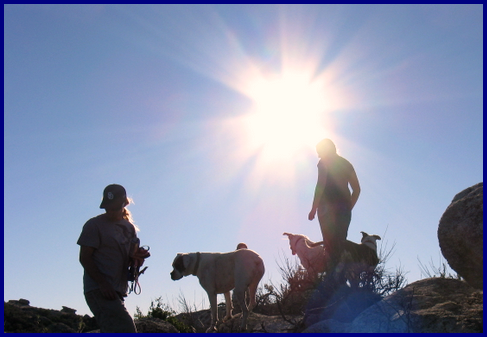
- test #2
… still not succeeding BUT i got images.
Thanks Mara
69 posts · 12 participants · started Jun 27, 2017, 10:15 PM
… still not succeeding BUT i got images.
Thanks Mara
Rick,
Mara,
… is look like to work but i used “attacments” below and uploaded screeshot from my cellular.
Thaks a lot for yours considerations.
André
p.s. do not know why i stuttered like that … must be from earlier post fom Samuel. How did Bonita alert us … “POPPYCROP” ? 
p.s.#2 … below is a photo of the village of Pietracuppa, Italia up in top of mountain just below to the right is a sea of clouds. From my boyfriend 

Well, your link didn’t work when I clicked on it André.
Test
Dear Mara,
I do remembered when having problems with images … your name spin in my head
For this image i used “text box” and tab “img”. The image was too big so i had the choice to reduced it
Thanks Mara,
Thanks Rick,
André
Cool!
.
To find something in the UB, try this copy and paste method: Highlight (Mouse Left Click Swipe) the term you are trying to find out about, copy (Control C), then move cursor to the Search the Urantia Book block, enter (Mouse Left Click) then Control V, then keyboard Enter.
Reply to Bradly but also for Newbies to the UB and computers in general.
First go to the UB website. Then to find something in the UB, try this copy and paste method: Highlight (Mouse Left Click Swipe) the term you are trying to find out about, copy (Control C), then move cursor to the Search the Urantia Book block, enter (Mouse Left Click) then Control V, then keyboard Enter.
If you enter things on the command line of your main search engine, it may not operate correctly, but seems to work every time on the UB website command line. So far!